SSL certificate management software
SSL Certificate Management Software
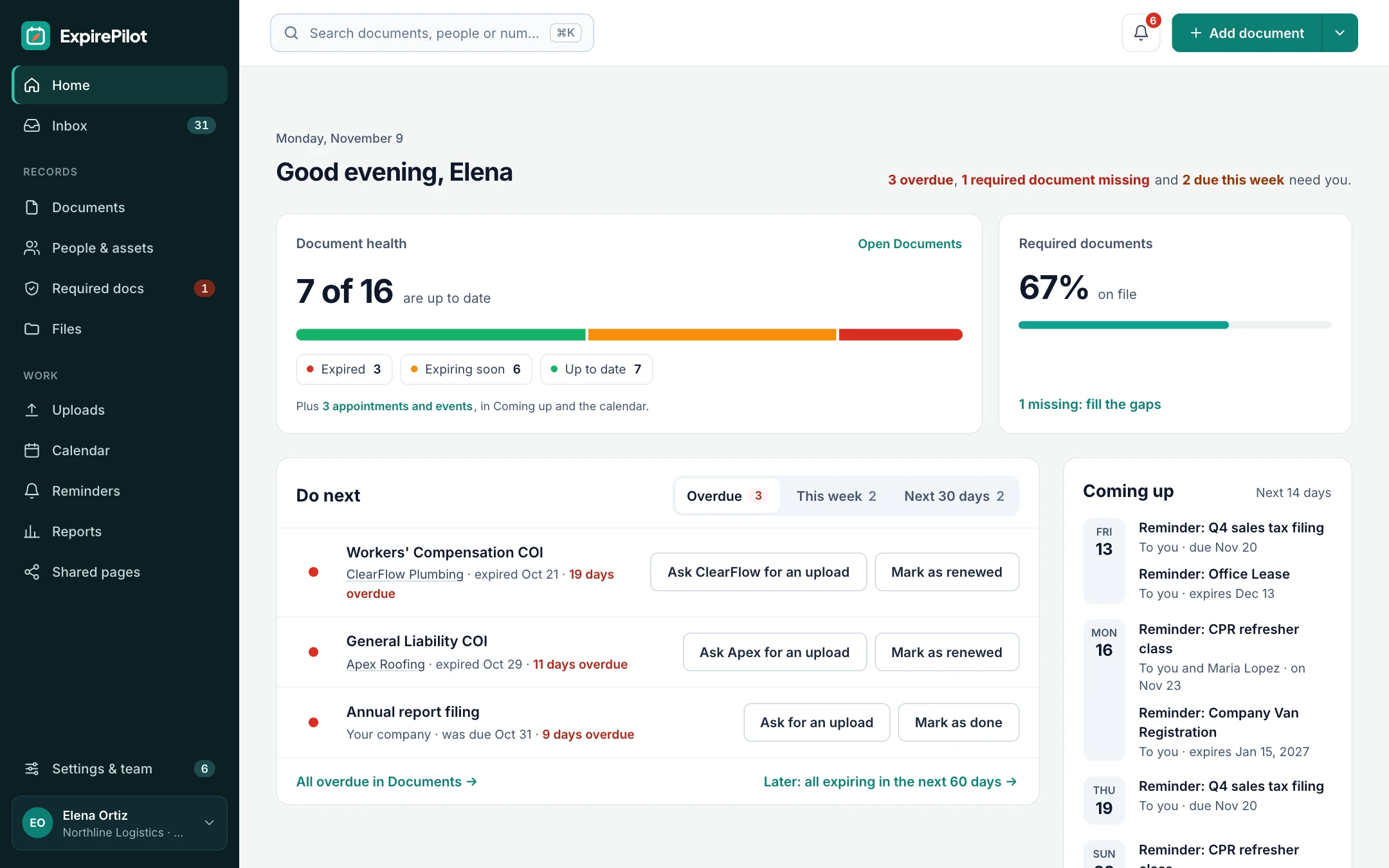
Keep every SSL/TLS certificate and domain in one list, with its expiry date and the person who renews it. ExpirePilot reminds them before each certificate expires, escalates when nobody acts, and collects renewal proof from the hosts and agencies that manage certificates for you.
Free plan available. 14-day free trial, no credit card required.
Reminders at 30/14/7/1 daysAn owner for every certificateNo agents, no network access
iDefinition
What is SSL certificate management software?
SSL certificate management software keeps an inventory of your public and private SSL/TLS certificates, with each one’s expiry date, issuer, location and owner, and makes sure every certificate is renewed before it lapses. Enterprise certificate lifecycle management (CLM) platforms go further: they discover certificates on your network and issue, install and revoke them automatically. ExpirePilot focuses on inventory, ownership, renewal tracking and reminders for small and mid-sized teams, including the certificates automation can’t reach.
!The problem
Expired certificates still take down big companies.
In April 2023, Starlink suffered a global outage that lasted hours. Elon Musk blamed an expired ground station certificate. It happens to small businesses too: someone installs a certificate, moves on, and a year later customers see a browser warning instead of your site.
86%of large organizations had at least one outage from an expired or mismanaged certificate in the past year. Keyfactor and Wakefield Research, 2025
An expired certificate doesn’t just look bad. Browsers block the page, sites using HSTS can’t be clicked through at all, and APIs, email servers and payment integrations stop connecting.
A spreadsheet can’t remind the right person, escalate when they don’t act or chase a host for proof. ExpirePilot does all three automatically.
You’ve outgrown your certificate spreadsheet if:
- You have more than a handful of certificates across different servers and providers
- Some certificates are paid, wildcard or managed by an agency or host
- Nobody is sure who renews which certificate
- You’ve had a site, API or email go down because a certificate expired
- Renewals are about to happen several times a year instead of once
↻Certificate lifecycle
The SSL certificate lifecycle, and which parts ExpirePilot covers
Every certificate goes through the same six stages. ExpirePilot doesn’t replace your certificate authority or ACME client. It makes sure nothing falls between them.
| Stage | What happens | Where ExpirePilot fits |
|---|---|---|
| 1. Discovery | Find every certificate you have | Import the list you build from CA accounts, cloud consoles and CT logs |
| 2. Issuance | A certificate authority issues the certificate | Your CA or ACME client does this |
| 3. Deployment | The certificate is installed on servers, load balancers and services | Record where each certificate is installed |
| 4. Monitoring | Watch expiry dates and ownership | The inventory, owners, dashboard and calendar feed |
| 5. Renewal | Renew and reinstall before expiry | Reminders, escalation and upload links until it’s marked renewed |
| 6. Revocation | Revoke a compromised or unneeded certificate | Your CA does this. Update or archive the record afterwards |
⏱Certificate lifetimes
SSL certificate lifetimes are shrinking to 47 days
On April 11, 2025, the CA/Browser Forum approved ballot SC-081v3, which cuts the maximum lifetime of publicly trusted SSL/TLS certificates in three steps.
| Certificates issued on or after | Maximum lifetime | Renewals per certificate per year |
|---|---|---|
| Before March 15, 2026 | 398 days | About 1 |
| March 15, 2026 | 200 days | About 2 |
| March 15, 2027 | 100 days | About 4 |
| March 15, 2029 | 47 days | About 8 |
What that means for your renewal workload
| Certificates you manage | 398 days | 200 days | 100 days | 47 days |
|---|---|---|---|---|
| 10 | 9 | 18 | 37 | 78 |
| 50 | 46 | 91 | 183 | 388 |
| 200 | 183 | 365 | 730 | 1,553 |
| 500 | 459 | 913 | 1,825 | 3,883 |
Renewals a year if every certificate is renewed at its maximum lifetime. Renewing earlier, as most teams do, means more. Automate what you can, and give every certificate that isn’t automated an owner and a reminder. In ExpirePilot, renewing a certificate updates the same item, so more renewals don’t cost more. CA/Browser Forum
01Expiration reminders
SSL certificate expiration tracking and reminders
Add each certificate with its domain, issuer, where it’s installed and when it expires. ExpirePilot watches the dates and emails the owner 30, 14, 7 and 1 day before expiry, or on any schedule you set.
Reminders are checked every 15 minutes and keep going after the expiry date until someone marks the certificate renewed with its new date. Domains, hosting plans and support contracts sit in the same list with their own schedules.
Single-domainWildcardMulti-domain (SAN)DV, OV and EVPrivate CACode signingDomain namesHosting plans
Plan lead time by type: OV and EV certificates need the CA to re-check your organization, and a wildcard or multi-domain certificate has to be reinstalled everywhere it’s used.
Reminder sequence · 30 / 14 / 7 / 1 days before
02Ownership & escalation
Certificate ownership and escalation
Assign each certificate to the person who renews it. Add default people to notify, such as your IT lead, so nothing depends on one inbox. If a reminder goes unanswered, ExpirePilot escalates to someone else.
Reminder emails have one-click buttons, so the owner can mark a certificate renewed straight from their inbox. Everyone on the team can see status, and view-only users are free.
When someone leaves, their certificates don’t leave with them.
03Hosts & agencies
Certificates your host or agency manages, with proof of renewal
Certificate tools can only automate servers they control. When a hosting company, agency, MSP or SaaS vendor looks after a certificate, add them as the contact, and their reminders include a secure upload link for the renewed certificate or renewal confirmation.
They don’t need an account. Uploads land in your review queue, and nothing changes until you approve the new expiry date.
- Provider gets the linkEach reminder includes a personal upload link.
- They upload proofThe renewed certificate or a confirmation as a PDF or screenshot.
- You approve itThe new expiry date takes over and reminders stop.
04Inventory import
SSL certificate inventory import
Import the certificate list you already keep, or one exported from your CA account, cloud console or hosting panel, as Excel or CSV, and map its columns. Or upload a PDF or screenshot of a certificate’s details and AI fills in the dates for you to check.
Attach certificate files, order confirmations and notes to each record, in private storage only your team can open. Export everything again any time.
No agents to install, no network access to grant.
05Audit trail & calendar
Reports, reminder history and audit evidence
Reports list certificates expiring soon, ones already expired, certificates by owner or provider, and every reminder sent. Download them as Excel, CSV or PDF, and subscribe to a private calendar link to see every expiry in Google Calendar, Outlook or Apple Calendar.
Auditors increasingly ask for a certificate inventory. PCI DSS v4.0 requirement 4.2.1.1, mandatory since March 31, 2025, requires an inventory of the trusted keys and certificates that protect card data in transit, and SOC 2 and ISO 27001 reviews often ask how certificates are tracked. ExpirePilot isn’t a compliance tool, but its inventory, reminder history and reports give you that evidence in minutes.
⚙Automation
Automate what you can, track the rest
ACME clients, cloud certificate services and Kubernetes renew many certificates on their own. Use them. ExpirePilot is for the certificates they don’t cover.
| Where the certificate comes from | Renews on its own? | What to track in ExpirePilot |
|---|---|---|
| Let’s Encrypt or another ACME CA, with Certbot or a similar client | Yes, while the client keeps running | Optional: one item per domain, so someone notices if renewal silently stops |
| AWS Certificate Manager (certificates ACM issues) | Yes, managed by ACM | Usually nothing |
| Certificates imported into ACM, Azure Key Vault or Google Cloud | Usually not. You renew and re-import | Each imported certificate, with an owner |
| Kubernetes with cert-manager | Yes, inside the cluster | The issuer accounts and any certificates outside the cluster |
| Paid DV, OV and EV certificates from DigiCert, Sectigo, GlobalSign, GoDaddy and others | No. Someone has to buy, validate and install them | Every one, with an owner and lead time |
| Private CA, including Microsoft AD CS | Sometimes, through auto-enrollment | Server, appliance and device certificates outside auto-enrollment |
| Load balancers, firewalls and appliances (F5, IIS, VPNs) | Rarely | Every one, with where it’s installed |
| Certificates your host, agency or SaaS vendor manages | Up to them | Every one, with an upload link for proof of renewal |
Protocols in brief: ACME automates public certificates. SCEP, EST and CMP enroll devices and servers with a private CA. ExpirePilot doesn’t use any of them, and doesn’t connect to your servers or CA. It tracks the results.
⌕Inventory
How to build an SSL certificate inventory without network discovery
ExpirePilot doesn’t scan your network. For most small and mid-sized teams, these five sources find nearly every certificate in an afternoon.
| Source | What it finds |
|---|---|
| Certificate Transparency logs (for example crt.sh) | Every publicly trusted certificate issued for your domains, including ones you forgot about |
| Your CA accounts (DigiCert, Sectigo, GlobalSign, GoDaddy…) | Paid certificates, their expiry dates and who ordered them |
| Cloud consoles (AWS, Azure, Google Cloud, Cloudflare) | Certificates on load balancers, CDNs and cloud services |
| Hosting and website panels | Certificates your host installs for you |
| Your private CA, such as Microsoft AD CS | Internal certificates, which never appear in public CT logs |
Combine them in one spreadsheet, remove duplicates, add an owner column and import it into ExpirePilot.
✓Checklist
What to record for every SSL certificate
A good certificate inventory answers these questions in one place.
| Field | Why it matters |
|---|---|
| Common name and other domains | Which sites and services break if it expires |
| Expiry date | When the renewal has to happen |
| Issuer and CA account | Where to renew it, and who has the login |
| Validation type (DV, OV or EV) | How much lead time the renewal needs |
| Where it’s installed | Every server, load balancer and service to update after renewal |
| Owner | Who renews it, and who to escalate to |
| Auto-renewal method | Certbot, ACM, cert-manager or none, so you know whether a person needs to act |
| Provider or agency | Who to ask for proof when someone else manages it |
?Which option do you need?
Certificate tracker vs SSL monitoring vs enterprise CLM
There are three kinds of tool, and they solve different problems. Here’s an honest comparison.
| Expiration tracker (ExpirePilot) | SSL monitoring tool | Enterprise CLM platform | |
|---|---|---|---|
| Examples | ExpirePilot | Uptime and SSL checkers | DigiCert Trust Lifecycle Manager, Sectigo Certificate Manager, Keyfactor Command, CyberArk (Venafi), AppViewX, ManageEngine Key Manager Plus |
| What it does | Inventory, owners, reminders and renewal tracking | Checks public websites and warns before a certificate expires | Discovers certificates and issues, renews, installs and revokes them |
| Private and internal certificates | Yes, anything you add | No, public endpoints only | Yes, where its agents and integrations reach |
| Vendor-managed certificates | Yes, with upload links for proof | Only if the site is public | Rarely |
| Finds certificates you don’t know about | No. Import from CT logs and CA accounts | Only on sites you list | Yes, by scanning networks and clouds |
| Renews, installs or revokes | No. It reminds the owner | No | Yes, through ACME and integrations |
| Also tracks domains, contracts and licenses | Yes | No | No |
| Setup | Same day | Minutes | Weeks to months |
| Pricing | Free plan, paid from $15/month, public | Free to low monthly price | Usually quoted, often per certificate |
| Best for | Small and mid-sized teams with up to a few hundred certificates | Public websites only | Large organizations with thousands of certificates |
Many teams automate simple sites with Let’s Encrypt and track everything else, including paid, internal and vendor-managed certificates, in ExpirePilot.
✓Buyer’s checklist
How to choose SSL certificate management software
Ask these questions before you buy, whichever tool you pick.
| Question | Why it matters | ExpirePilot |
|---|---|---|
| How many certificates do you manage? | Thousands usually need discovery and automation. Hundreds or fewer usually need an inventory and owners | Built for up to a few hundred certificates and domains |
| Can it track certificates it can’t reach? | Vendor-managed, appliance and paid certificates are the ones that expire unnoticed | Yes, any certificate you add |
| Does every certificate get an owner and escalation? | Reminders sent to a shared inbox get ignored | Yes |
| How long does setup take? | Agents and network access can take weeks to approve | Same day, nothing to install |
| How is it priced? | Per-certificate pricing grows as 47-day renewals arrive | Per item; renewals don’t add items |
| Can you get audit evidence out? | Auditors ask for an inventory and proof of follow-up | Excel, CSV and PDF reports |
| Does it need to automate renewal and installation? | If yes, you need an ACME client, cloud service or CLM platform | No. Use it alongside one |
→Getting started
Up and running the same day
No sales call, no agents to install.
Step 1 · About 15 minutes
Bring in your certificates
Import your certificate spreadsheet, or add certificates and domains one by one, with AI filling in dates from a PDF or screenshot.
Step 2 · About 10 minutes
Assign owners
Pick who renews each certificate, who else gets notified, and when reminders escalate.
Step 3 · Automatic
Reminders run themselves
Reminders and escalations go out on schedule until each certificate is marked renewed with its new date.
⇄What it connects to
Works next to the tools you have
ExpirePilot doesn’t connect to your servers or certificate authority, and it doesn’t renew or install certificates. It works alongside Let’s Encrypt and Certbot, AWS Certificate Manager, cert-manager, Cloudflare and your CA portals:
- Import certificate lists exported from any CA account, cloud console or hosting panel (Excel or CSV)
- Scan certificate PDFs and screenshots with AI
- A private calendar link for Google Calendar, Outlook and Apple Calendar
- Export any report as Excel, CSV or PDF, or download everything at once
✓Security
Your certificate records stay private
- ExpirePilot never needs your private keys. Don’t upload them
- Each company’s records and files are kept separate
- Files are stored encrypted on Amazon Web Services and open only through short-lived secure links
- Automatic backups cover the last 35 days
- Owner, Admin, Member and Viewer roles control who sees and changes what
- Two-step verification for your account
We aren’t SOC 2 audited yet. If your organization needs a SOC 2 report, contact us before you sign up.
$Pricing
Free plan and pricing
You can track SSL certificates for free. ExpirePilot’s free plan covers up to 20 certificates, domains or other items with unlimited email reminders, upload links and AI scanning, which is enough for a small site portfolio or to try it out properly. No credit card, no time limit.
When you need more, paid plans start at $15 a month. Every new account also gets a 14-day free trial with Business-level features, so you can load your whole certificate inventory before deciding. You pay per tracked item, not per certificate issued, so renewing a certificate every 47 days costs no more than renewing it once a year.
Free plan includes
- Up to 20 certificates or domains
- 1 editing user, plus unlimited view-only users
- Unlimited email reminders
- 10 AI certificate scans a month
- Free forever. Nothing is deleted if you stay on it.
Basic
For one person keeping a business compliant.
or $165 a year (1 month free)
- 250 tracked items
- 1 user who can edit
- 50 AI scans / month
- 2 GB file storage
or try it free for 14 days
Professional
For small teams sharing renewals and compliance.
or $429 a year (1 month free)
- 800 tracked items
- 3 users who can edit
- 200 AI scans / month
- 10 GB file storage
or try it free for 14 days
Most popular
Business
For growing teams tracking many people and vendors.
or $869 a year (1 month free)
- 2,000 tracked items
- 6 users who can edit
- 500 AI scans / month
- 25 GB file storage
or try it free for 14 days
Enterprise
For larger companies and multiple departments.
or $1,749 a year (1 month free)
- 5,000 tracked items
- 15 users who can edit
- 1,500 AI scans / month
- 50 GB file storage
or try it free for 14 days
Pay yearly and get one month free. View-only users are free and unlimited on every plan, so managers and the wider IT team can check certificate status at no extra cost. Our prices are public: no sales call or quote needed.
14 days free · No credit card required · Drops to the free plan, not a bill
Start free, and pay only when your certificate list outgrows it.
SSL certificate management software keeps an inventory of your public and private SSL/TLS certificates with each one’s expiry date, issuer, location and owner, and makes sure every certificate is renewed before it expires. Enterprise certificate lifecycle management (CLM) platforms also discover certificates and issue, install and revoke them automatically. ExpirePilot handles the inventory, owners, reminders and renewal tracking for small and mid-sized teams.
Certificate management usually means keeping track of certificates and renewing them on time. Certificate lifecycle management (CLM) covers every stage automatically, from discovery and issuance to installation, renewal and revocation, and is built for organizations with thousands of certificates. Smaller teams often get what they need from an inventory with owners and reminders, plus ACME or cloud automation where it’s available.
Start with an inventory of every certificate: its domains, issuer, where it’s installed, who renews it and when it expires. Automate renewal where you can, for example with an ACME client such as Certbot or a cloud certificate service. For everything else, assign an owner, set reminders well ahead of expiry, and record each renewal so the list stays accurate.
The original SSL protocol has been replaced by TLS, and every SSL version is deprecated. The certificates are still widely called SSL certificates and aren’t going away. What is changing is how long they last: publicly trusted certificates drop to a 200-day maximum from March 15, 2026, 100 days from March 15, 2027 and 47 days from March 15, 2029.
About eight per certificate per year at the 47-day maximum, compared with about one at 398 days. A team with 50 certificates goes from around 46 renewals a year to around 388, and more if you renew early. Every certificate that isn’t renewed automatically needs an owner and a reminder.
It depends on your size. Large organizations with thousands of certificates usually need an enterprise CLM platform with discovery and automatic installation. Small and mid-sized teams usually get more from a tracker that lists every certificate and domain, assigns owners and sends reminders, without a long rollout. That is what ExpirePilot is built for.
SSL monitoring checks public websites and warns you when a certificate is close to expiry. Certificate management covers every certificate, including internal and vendor-managed ones a monitor can’t see, plus who owns each one, reminders and a record of each renewal.
ACME automates public certificates, for example from Let’s Encrypt. SCEP, EST and CMP enroll servers and devices with a private CA. Enterprise CLM platforms support several of them. ExpirePilot doesn’t use any of these protocols: it tracks certificates whichever way they were issued, and reminds the owner of the ones that aren’t renewed automatically.
Yes, as a tracker. Certificates issued and renewed by AWS Certificate Manager or cert-manager usually need no tracking. Certificates imported into ACM, Azure Key Vault or Google Cloud usually have to be renewed and re-imported by hand, so add those to ExpirePilot with an owner, alongside your on-premises and vendor-managed certificates.
No. ExpirePilot doesn’t connect to your servers or certificate authority, and it never needs your private keys. It keeps the inventory, reminds the right people before each certificate expires, escalates when nobody acts and records the renewal when someone marks it done with the new expiry date.
It prevents the most common cause: nobody noticing a certificate is about to expire. Every certificate gets an owner, reminders before and after expiry, and escalation if nobody acts. It doesn’t detect a certificate that was installed wrongly or a renewal that failed on a server, so pair it with an SSL monitor for your public sites if you need that.
Yes. ExpirePilot’s free plan tracks up to 20 certificates, domains or other items with unlimited email reminders, with no credit card and no time limit. Free tools such as Let’s Encrypt and Certbot can also issue and renew certificates automatically on servers you control.
Yes. Add domain names, hosting plans and support contracts alongside your certificates, each with its own expiry date, owner and reminder schedule.
Each company’s records and files are kept separate, files are stored encrypted on Amazon Web Services and open only through short-lived secure links, and automatic backups cover the last 35 days. Roles control who can see and change what, two-step verification protects your account, and you can export everything at any time. ExpirePilot never needs your private keys, and isn’t SOC 2 audited yet.
Never let an SSL certificate expire by surprise again
Automate what you can, and let ExpirePilot track every certificate and domain that still needs a person, with an owner and a reminder for each one.
No credit card required. Free plan available.